ScrapEX
PriceFixer
PriceFixer
Fix Formula Prices in seconds during LME working hours.
ScrapEX PriceFixer – Part of Your Trading Co-Pilot. Instant, convenient formula price fixing.
ScrapEX PriceFixer – Part of Your Trading Co-Pilot. Instant, convenient formula price fixing.
Why ScrapEX PriceFixer
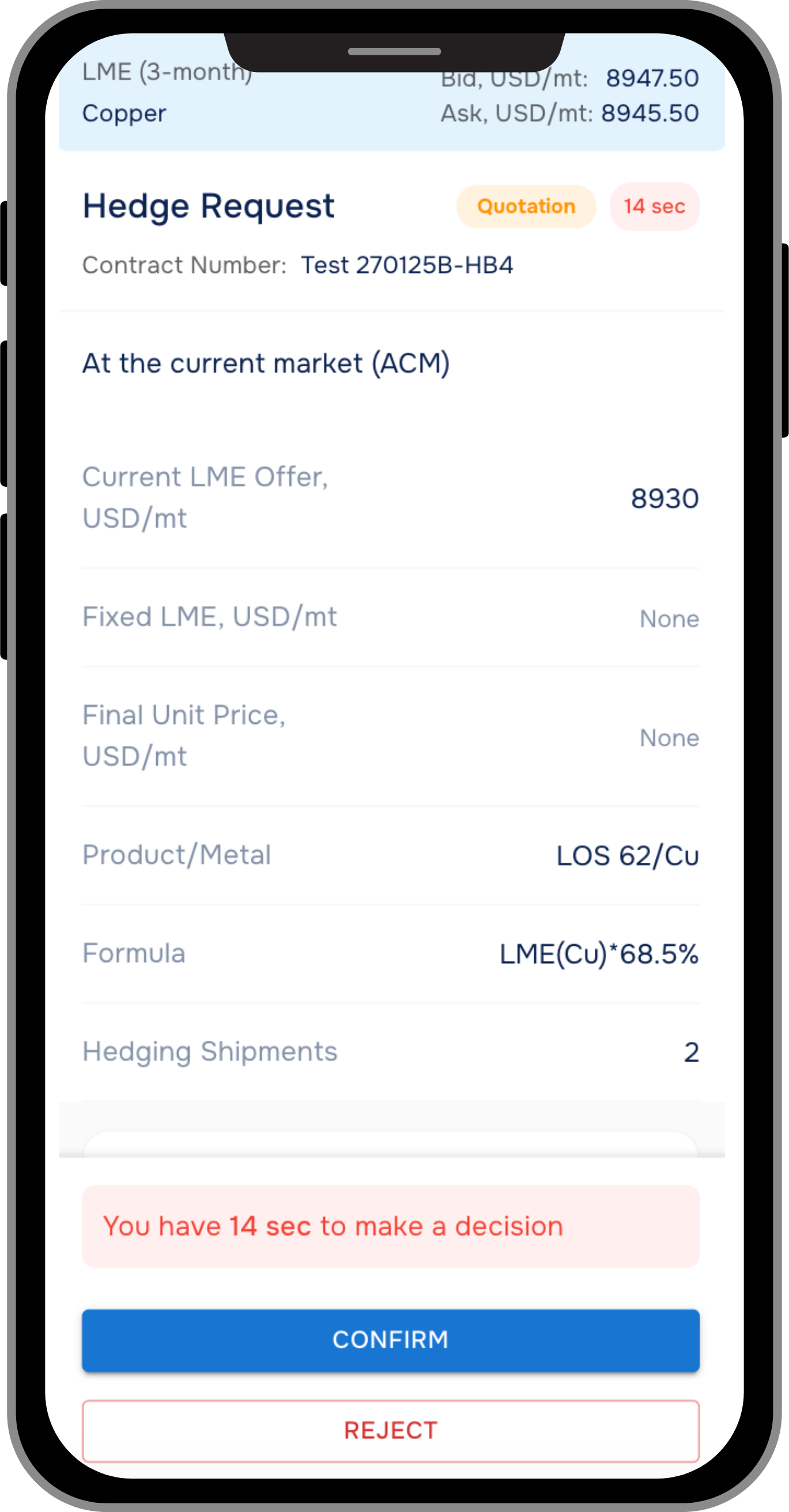
- FlexibilityFix prices for your formula deals during LME working hours, not your trading partner's working hours. 02:00 - 19:00 London Time.
- SpeedGet the most relevant prices. Fix prices in seconds. No need to wait for your partners to answer calls or check WhatsApp, WeChat, or email.
- ConvenianceFix prices anytime, anywhere. All you need is a smartphone and an internet connection. Get smart notifications about important changes to always be up to speed.
- TransparencyAll the history of fixation and documents are in your ScrapEX account. Access 24/7.
- ControlFix price online, place GTC orders, or fix by official LME settlement - you decide.
How it works
- Log InLog In to your ScrapEX account
- Find Contracts and ShipmentsFind contracts and shipments(Containers) you want to fix the price for.
- Fix Price
Fix price for the shipment in a few clicks:
- Online
- Place GTC order (Take profit)
- Place LME official settlement order (OLME)
PriceFixer Demo
Want to take control of your price fixing process?
More From ScrapEX Co-Pilot Family
Buy from fixed price sellers, sell to formula buyers. Keep your fixing option.
Discover trusted scrap suppliers and consumers. Trade with confidence.
Hedge against currency fluctuations. Lock in your rates within seconds.
Subscribe to us for the latest updates
Follow Us on Social Media
Please follow us so we can keep in touch with you.